Changing the world, one site at a time…
WSCA Fall Conference

Stacks Image 403

PRESENTER INFORMATION & RESOURCES

Session Date & Time
An overview of our sessions, sorted by lead presenter first name, is available at the link below. Use this to easily find your scheduled date/time.
ROOM SETUP & EQUIPMENT
Breakout session rooms will be set classroom style or theatre style depending on the room. You can expect up to 100 people to attend your session.

ISCA will provide:
  • Screen and projector
  • Room moderator
  • HDMI Cable
Please bring your slide deck on your own laptop (slide decks must be prepared using ISCA's slide deck template, see below). You may also need to bring a dongle to connect to the projector via the provided HDMI cable. Please check your laptop to see if it has a direct HDMI connection or if a dongle is needed.

SESSION DETAILS
All session descriptions, titles, and speaker names are provided here: https://www.iscaconference.org/sessions/details

If any revisions are needed, please email Erin Woodell at erin@ilschoolcounselor.org.
SLIDE DECK TEMPLATES
Stacks Image 354
  • Please use the ISCA slide deck template provided for all presentations.
  • You can use the buttons below to access either the Canva Template or the Google Slide Deck Template. Using Google Slides will force you to create your own copy of the slide deck and will be saved to your Google Drive.
  • Instructions for using the slide deck template are included on the first slide. Please follow the guidelines carefully.
  • Presenters are responsible for bringing their own slide decks to their assigned presentation time/room using their own device (laptop, tablet). See below for more details.
SOCIAL MEDIA PROMO
Stacks Image 352
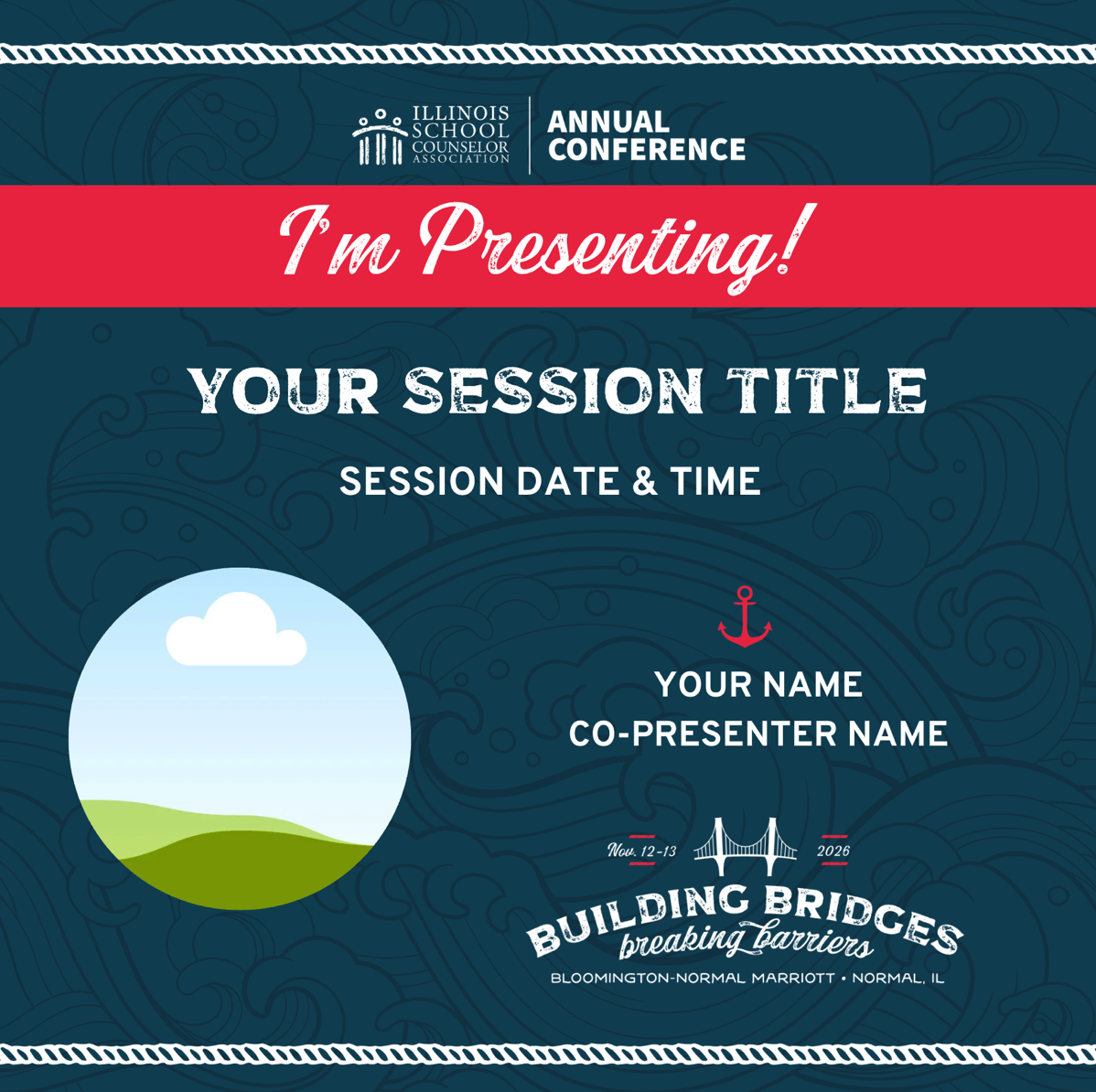
Let everyone know you're presenting at the 2026 ISCA Conference— drop your photo and session details in our social media post template in Canva and share with your networks using #ISCA26!
SPEAKER PROFILES FOR CONFERENCE APP
DEADLINE: October 23 at 11:59pm

Presenters are required to update their profile in our conference app. The deadline to complete this is Friday, October 23 at 11:59pm.
  • Go to https://dashboard.ascaconferences.org/admin
  • Log in with the email address used for your session proposal.
  • Once logged in, verify that 2026 Illinois School Counselor Association Conference is listed as the Current Conference (box on the left)
  • To update your speaker profile, click on the Edit Speaker Profile link at the bottom of the Your Account box on the right.
  • Proceed with adding your position, institution, and bio.
• Don't forget to click SAVE when you're done!
ADDING YOUR PHOTO
  • From your desktop or laptop computer, go to https://app.ascaconferences.org/ and login using the same credentials you used to update your speaker profile.
  • Click on View Profile
  • Click on the placeholder avatar
  • Upload your preferred photo.

This can also be done within the app itself. Instead of accessing the URL above, launch the ASCA Conferences app from your phone.
SLIDE DECKS FOR CONFERENCE APP
DEADLINE: NOVEMBER 6 at 11:59pm

Presenters are required to upload their slide decks and handouts in our conference app. The deadline to complete this is Friday, November 6 at 11:59pm.
  • Go to https://dashboard.ascaconferences.org/admin
  • Log in with the email address used for your session proposal.
  • Once logged in, verify that the 2026 Illinois School Counselor Association Conference is listed as the Current Conference (box on the left)
  • Click on Sessions on the far left side of the screen.
  • Sessions you are presenting will appear in the box. Click on the session you are speaking for.
  • To add your slide deck and handouts, either click within the "Handouts" area to upload your file or drag and drop a file.
  • Once the upload is complete it will turn green.
  • IMPORTANT: Click on SAVE CHANGES. Your uploads are not saved until you click SAVE CHANGES.
SLIDE DECK & HANDOUT REQUIREMENTS
  • Only PDF files are accepted.
  • Files must be smaller than 10MB each. If your slide deck is larger than 10MB, save it into multiple files.
  • There is no limit to the number of files you can add as long as they are under 10MB each.

© 2026 Illinois School Counselor Association | Contact Us